
CoPilot GPS Navigation
GPS cho xe tải, xe hơi, RV
CoPilot GPS Navigation được phát triển/phát hành bởi Trimble MAPS Ltd.. LDPlayer chỉ cung cấp dịch vụ tải

Tổng quan

FAQ
Chạy CoPilot GPS Navigation trên PC với LDPlayer
CoPilot GPS Navigation là ứng dụng Bản đồ và dẫn đường trên mobile, được phát triển bởi Trimble MAPS Ltd., nếu sử dụng giả lập Android tốt nhất - LDPlayer, bạn có thể tải và xài CoPilot GPS Navigation trên máy tính.
Khi chạy CoPilot GPS Navigation trên máy tính, bạn có thể lướt nội dung trên màn hình lớn, sử dụng chuột và bàn phím để thao tác ứng dụng sẽ nhanh hơn và chuẩn xác hơn so với ấn màn hình trên điện thoại, hơn nữa, bạn sẽ khỏi lo pin bị tụt như trên mobile.
Qua tính năng đa nhiệm (multi play) và tính năng thao tác đồng bộ (multi control), thậm chí bạn còn có thể chạy nhiều tab ứng dụng và acc trên PC.
Còn tính năng chia sẻ file giữa PC và LDPlayer sẽ giúp bạn di chuyển tệp file rất đơn giản.
Hãy tải và chạy CoPilot GPS Navigation trên PC, tận hưởng màn hình lớn và đồ họa đẹp trên máy tính nha!
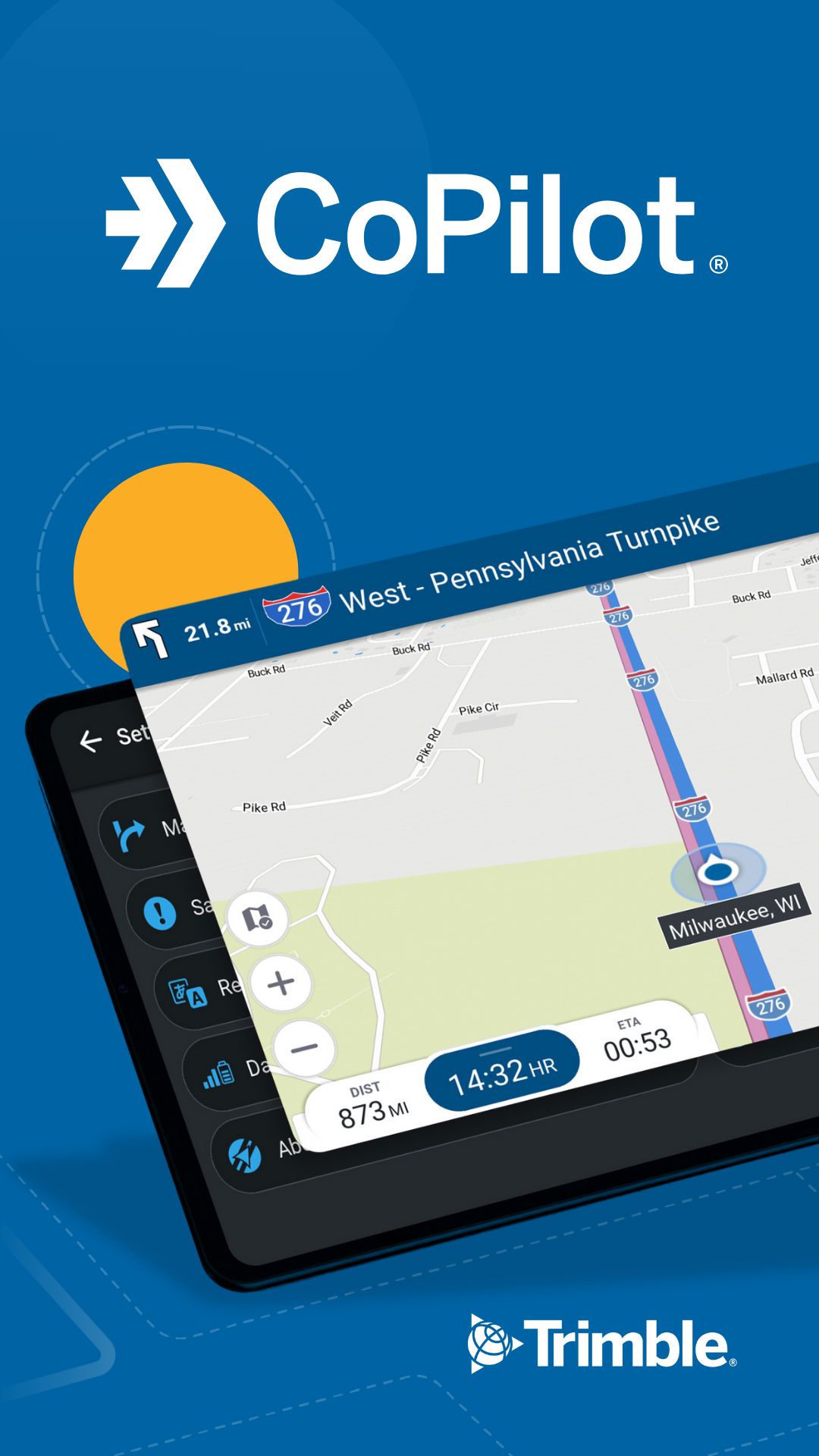
Built for you, the driver. Whether you are behind the wheel of a car, a professional truck driver with profits tied to your time on the road or an RVer exploring the country - CoPilot has got you covered.Trusted by millions of drivers globally and many of the world’s leading delivery fleets, CoPilot GPS is designed to meet the needs of all driver and vehicle types to help you safely navigate the roads. Let us help make it productive and enjoyable.
Includes 14 days FREE voice-guided offline navigation, route planning and traffic. Try the app without any commitment and if you like it, you can subscribe at anytime.
TRUCK NAVIGATION & TRAFFIC
• Keep out of trouble by avoiding low bridges and truck-restricted roads with PC*MILER routing
• Driver-friendly non-distracting guidance in cab, so you can concentrate on the road
• Plan trips that are optimized for your vehicle and load
• Save money avoiding fines, out-of-route mileage and reduce fuel usage
• Deliver on time and get precise ETAs with real-time traffic
• Live and predictive parking insights for truck stops and rest areas
to help you save time and stay on schedule
• Map display provides more visual cues including satellite imagery,
• 3D buildings and detailed house numbering
• Android Auto connectivity for a seamless navigation experience
CAR NAVIGATION & TRAFFIC
• Find your best way with a choice of up to 3 routes
• Drive confidently without a mobile signal with automotive-grade offline maps
• Discover what’s around you with millions of pre-loaded Places
• Avoid delays with real-time traffic and automatic rerouting around congestion*
• Explore any place, anywhere, in any way with maps of the world**
RV NAVIGATION & TRAFFIC
• Routes and directions designed for RVs based on your vehicle size
• Never get stranded again with reliable offline maps
• Search millions of preloaded Places including campgrounds and rest areas
• Know your turn ahead of time with lane indicator arrows & exit sign information
For detailed map coverage, check out copilotgps.com/map-coverage
NOTES
*Requires a mobile internet connection
**Requires additional map upgrade
To find out more about the maximum dimensions for your RV navigation, visit our support center supportv11.copilotgps.com (height 14ft, width 102in, total length 45ft, weight 26,000lbs).
Continued use of GPS running in the background can dramatically decrease battery life
Hình ảnh & video của CoPilot GPS Navigation bản PC




Cách tải xuống và chạy CoPilot GPS Navigation trên PC
 1
1Tải và cài đặt giả lập LDPlayer về PC của bạn
 2
2Khởi động và đăng nhập tài khoản Google trên Play Store tại giả lập LDPlayer
 3
3Nhập "CoPilot GPS Navigation" tại thanh tìm kiếm
 4
4Chọn và cài đặt CoPilot GPS Navigation trong kết quả tìm kiếm
 5
5Sau khi cài đặt thành công, quay trở về màn hình chính LDPlayer
 6
6Click icon game trên màn hình chính LDPlayer là bắt đầu trải nghiệm


