nPlayer là ứng dụng Xem và sửa video trên mobile, được phát triển bởi Newin Inc., nếu sử dụng giả lập Android tốt nhất - LDPlayer, bạn có thể tải và xài nPlayer trên máy tính.
Khi chạy nPlayer trên máy tính, bạn có thể lướt nội dung trên màn hình lớn, sử dụng chuột và bàn phím để thao tác ứng dụng sẽ nhanh hơn và chuẩn xác hơn so với ấn màn hình trên điện thoại, hơn nữa, bạn sẽ khỏi lo pin bị tụt như trên mobile.
Qua tính năng đa nhiệm (multi play) và tính năng thao tác đồng bộ (multi control), thậm chí bạn còn có thể chạy nhiều tab ứng dụng và acc trên PC.
Còn tính năng chia sẻ file giữa PC và LDPlayer sẽ giúp bạn di chuyển tệp file rất đơn giản.
Hãy tải và chạy nPlayer trên PC, tận hưởng màn hình lớn và đồ họa đẹp trên máy tính nha!
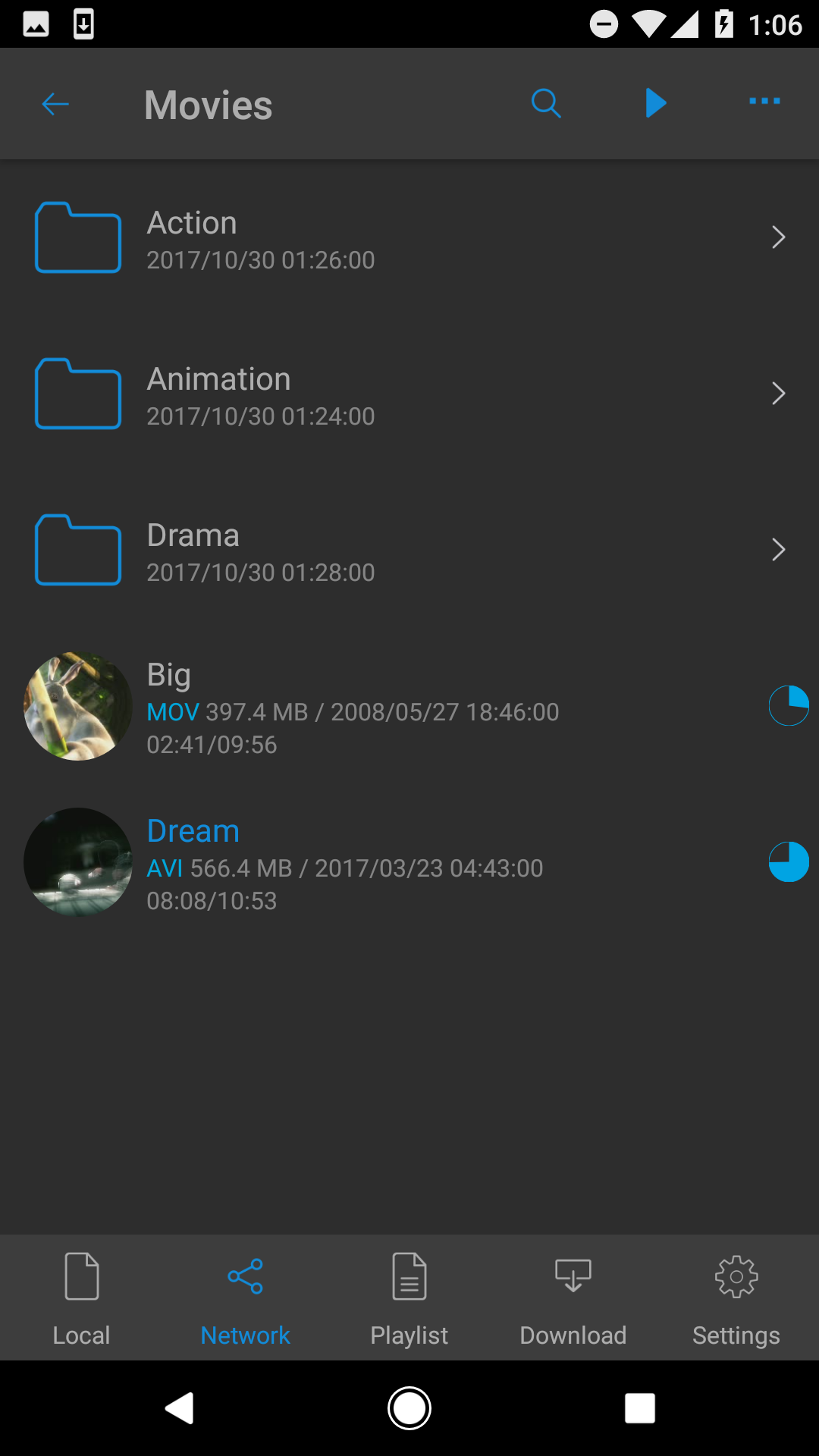
- You don't need to convert video files to MP4 to play them in your mobile device. nPlayer enable you to play almost all video formats and codecs without file converting efforts.- With your finger tip, you can adjust playback position, move to previous and next subtitle position, adjust location and font size of subtitles, control volume and brightness.
* Features
- Supports Device file playback and management
- Supports Download
- Supports officially DTS audio codec (DTS HD)
- Supports Pop-up play
- Supports video cast for Smart TV
- Supports HDMI output
- Supports video files : MP4, MOV, MKV, AVI, WMV, ASF, FLV, OGV, RMVB, TP etc.
- Supports audio files : MP3, WAV, WMA, FLAC, APE etc.
- Supports subtitle files : SMI, SRT, SSA, IDX, SUB, LRC, SUP, MLP2 etc.
- Supports image files : JPG, PNG, BMP, GIF, TIFF etc.
- Supports playlist files : CUE, M3U, PLS
- Supports WebDAV, FTP, SFTP, HTTP, SMB/CIFS, UPnP/DLNA
- Supports cloud service (Amazon Cloud Drive, Box, Dropbox, Google Drive, OneDrive, Yandex.Disk)
- Supports multi-track audio
- Supports audio boost
- Supports embedded subtitles
- Supports multi-track subtitles
- Supports external subtitle fonts
- Supports SAMI(SMI) tag
- Supports SSA/ASS with full styling, embedded subtitles
- To play and browse all media files on the device, you need to grant "Allow all file management" permission.
“Big Buck Bunny” is licensed under the Creative Commons Attribution 3.0 license.
(C) copyright 2008, Blender Foundation / https://www.bigbuckbunny.org
“Elephants Dream” is licensed under the Creative Commons Attribution license.
(C) copyright 2006, Blender Foundation / https://orange.blender.org