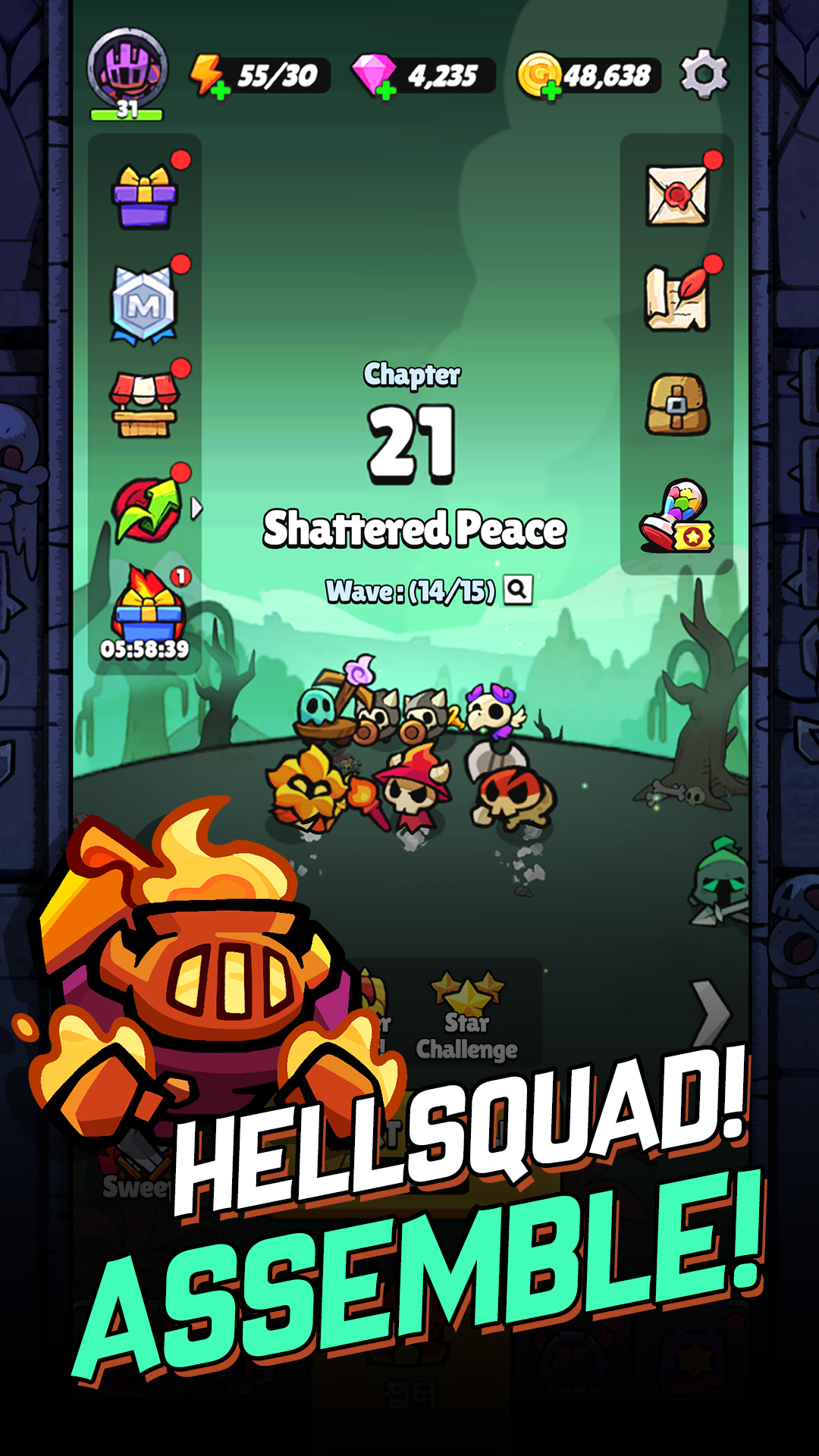
Hellsquad Rrrush! là game Thông thường, được phát hành bởi Wemade Max Co., Ltd., giả lập LDPlayer là nền tảng tuyệt vời để chơi Hellsquad Rrrush! trên máy tính Windows. Với hiệu năng siêu đỉnh, LDPlayer sẽ giúp bạn nâng tầm trải nghiệm gaming lên tầm cao mới trong Hellsquad Rrrush!.
Khi chơi Hellsquad Rrrush! trên máy tính, nếu bạn đã chán với click một skill liên tục và cảm thấy quá mất thời gian, đừng lo, tính năng macro sẽ là giải pháp có 1-0-2 dành cho bạn! Bạn chỉ cần click trên màn hình để ghi lại thao tác của bạn, còn lại cứ để tính năng macro lo. Tính năng macro sẽ thực hiện thao tác tự động hóa, giúp bạn giành chiến thắng dễ dàng chỉ với 1 lần nhấn phím tắt! Hãy tải và chơi Hellsquad Rrrush! trên máy tính ngay bây giờ!
The ultimate defense & strategy experience—in hell!Greedy humans are trying to take over the underworld.
Repel them and bring peace to the demon realm!
Join the forces of hell, and lend a helping hand to the poor little demons trying to defend their home in this casual roguelike defense game!
BEWARE OF ANGRY DEMONS
- Summon cute demon minions and fend off the intruders
- Keep your tower safe from incoming hordes of enemies
- Retake lost treasures from the humans, then use them to upgrade your infernal army
- Unlock ultimate skills as you grow in power
- Strategy, teamwork, and strokes of luck—a unique blend of the three will deliver fun like never before!
The only thing standing between your home and the invaders is hell's mighty fortress wall—you must guard it at all costs.
The fate of your homeworld rests on your shoulders.
Take up arms, rally the demons, and make a united stand against your mortal foes!
Are you ready?
It's time for Hellsquad Rrrush!
■ App Access Permissions
[Optional Access Permissions]
- Notifications: Permissions for sending informational alerts and advertising Push notifications from the app to your phone
※ You can still play the game without agreeing to receive Push notifications. Access permissions can be changed or withdrawn any time.
[Withdrawing Permissions]
- Operating System 6.0 or later: Settings > Applications > Select the app > Permissions > Withdraw permissions
- Operating System before 6.0: Due to the nature of the operating system, permissions cannot be withdrawn. Please delete the app to withdraw permissions